You set up the camera. The plugin does the render.
Arakot Render Lab turns your 3ds Max and SketchUp model into a render in the same framing, with materials and light.
Source Viewport, Corona VFB or an image you choose on your computerModels Halo, Prizma, FocusRequires 3ds Max and SketchUp 2023 or later · Windows
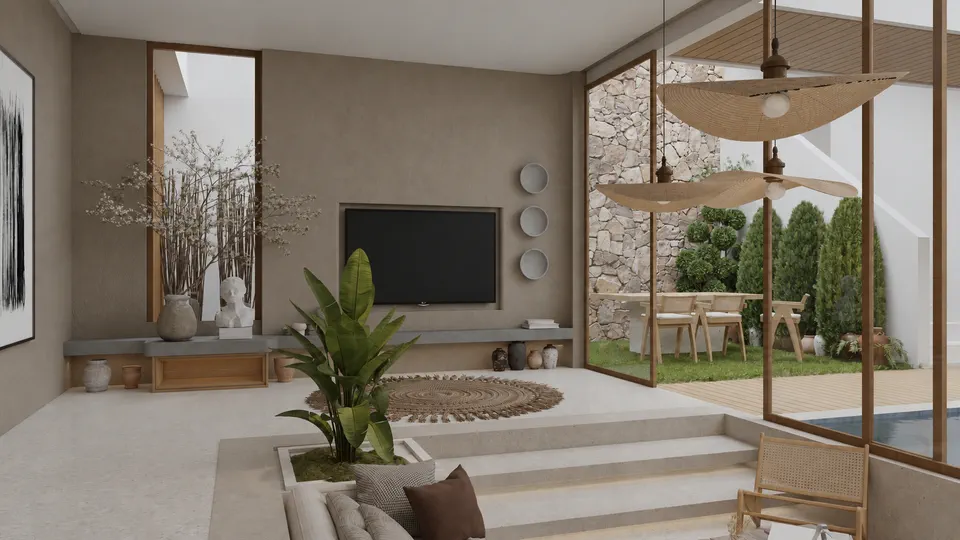
Drag the handle: the Viewport on the left, the render on the right.
Three things carry a render: model, materials, light.
All three together set the quality of a render: the quality of the model, the quality of the materials and how the light is set up. In Render Lab, you bring only the model.draft
The plugin sets up the materials and light, so you don't have to.
The colours and openings in the Viewport guide the plugin. The framing, geometry and objects stay the same; the result is up to 98.7% consistent with your scene.
Take the source from the Viewport.
Bring the Viewport where you set up the camera into the plugin with one click. You can also take a render from the Corona VFB, or choose an image on your computer and work on an existing render.
This window is a copy of the plugin running in your browser. As you scroll, it plays the steps for you.draft
Write what you want.
Choose one of the prompt presets or write your request in your own words. You can also write in Turkish; the plugin translates it before sending.
Choose the size of the render.
Choose 1K, 2K or 4K resolution. The credits on the Create button change with each choice; you see the cost before you send.
Create · Credits —
The parts of a request.
The source image, a prompt preset or your own words, the model and the output settings: the plugin sends them all in one request.
- Source active Viewport
- Model Arakot Halo
- Preset Editorial photo
- Prompt can also be in Turkish
- Output 2K
- Cost 69 credits
One night left before the presentation.
Request sent. This request costs 69 credits, about 6.90 TRY.
The render is ready. The night is still yours.
Request: Prizma · Editorial photo · 2K · 69 credits
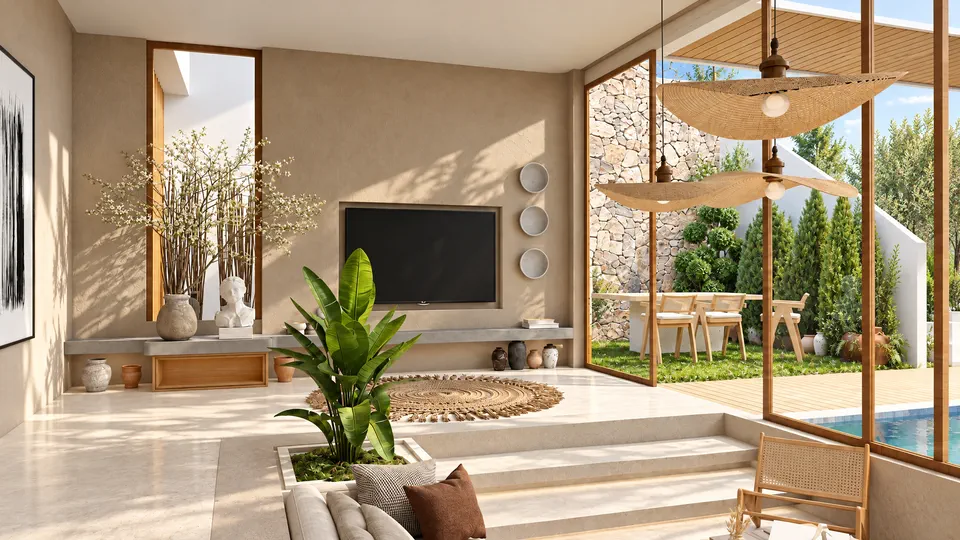
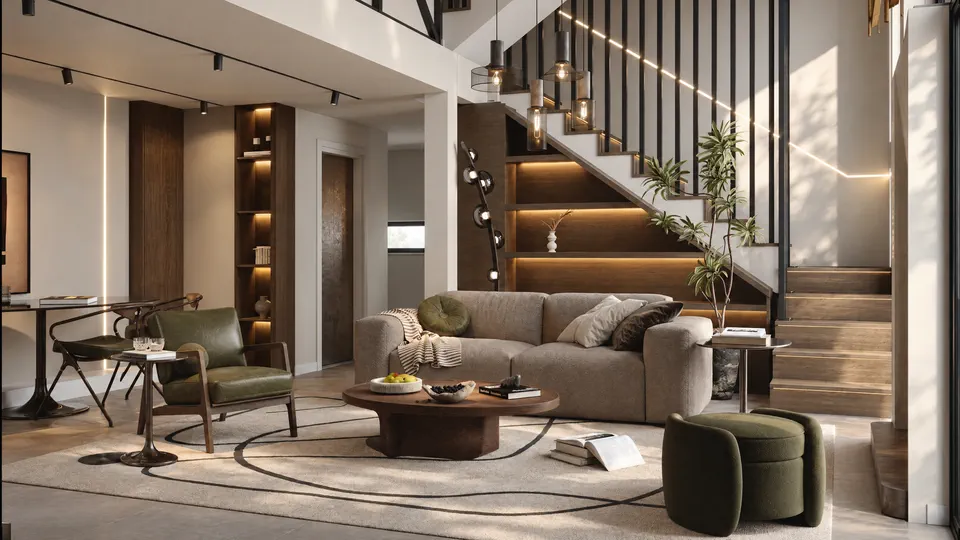
Same camera. Now a render.
The plugin stays up to 98.7% consistent with your scene: the framing, geometry and objects stay the same. Request: Prizma · Editorial photo · 2K · 69 credits
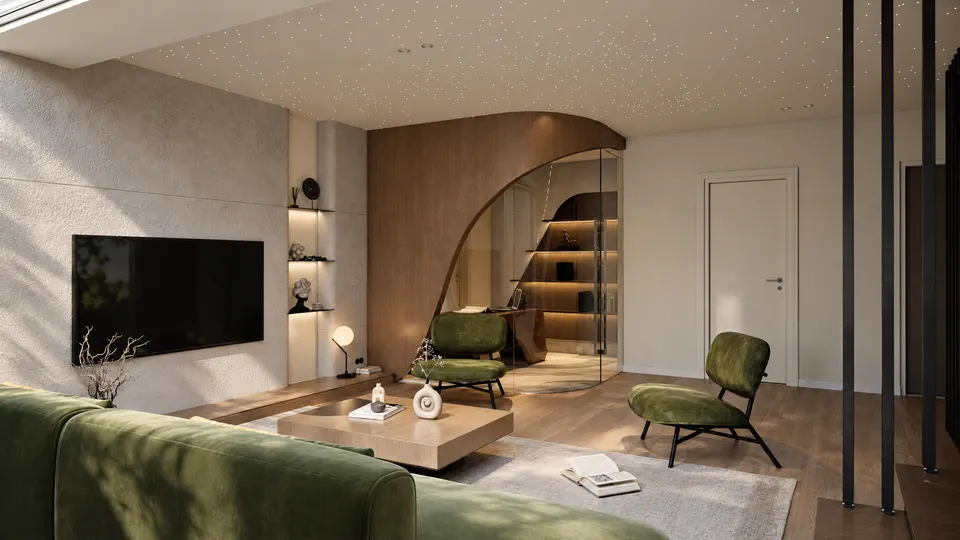
Another setting, more detail.
Request the same scene again in 4K with the Balanced light preset. Zoom in and you can see the texture of the materials.draft
Record: Prizma · balanced light, 4K · 3818 × 2148
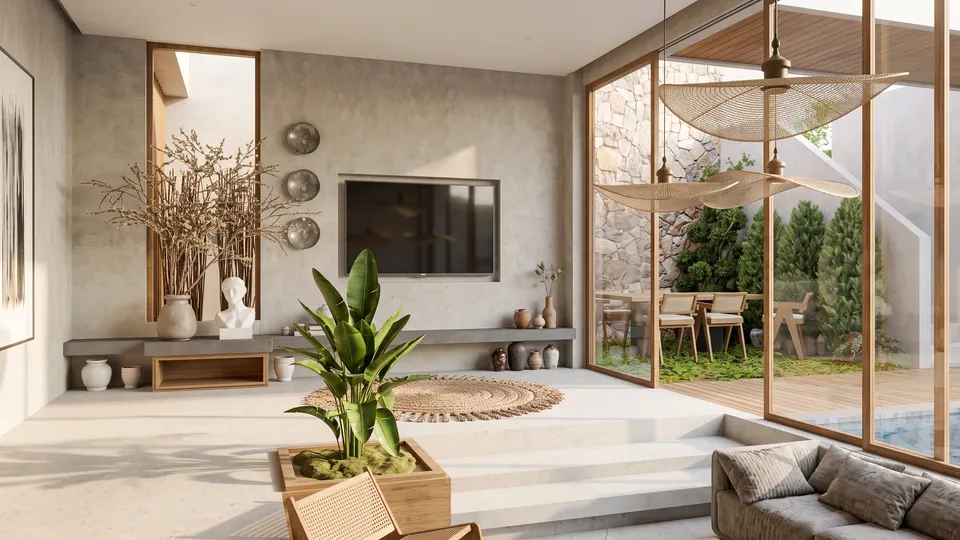
Change just one thing.
When a client wants just one area changed, you don't need to generate the whole image again. In Edit mode, tell Focus what should change; 99.9% of the areas you don't change stay the same. The request in this record was to turn the TV wall into orange plaster.
Stack the versions.
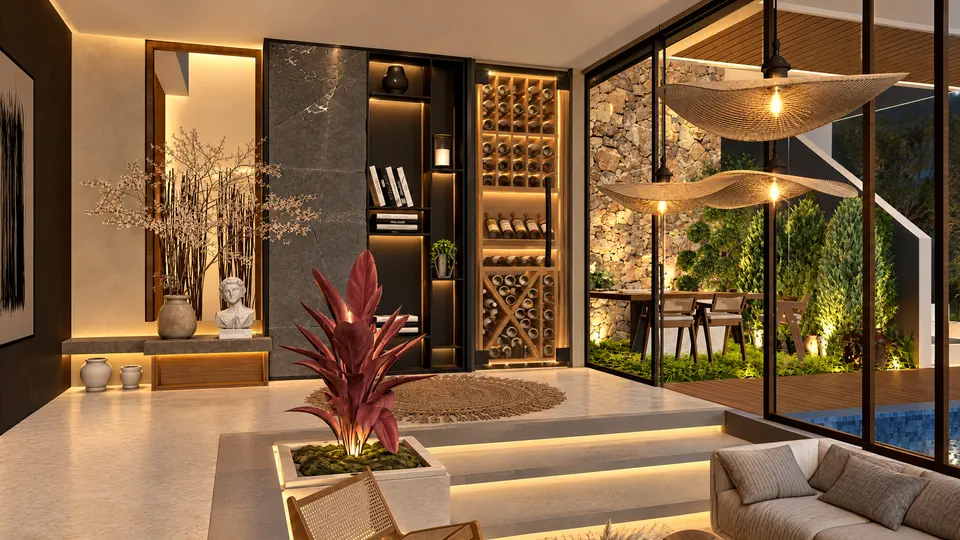
Paint with the brush where each version shows. Here the balanced-light version without sun is painted only onto the floor, the TV wall and the steps. The plugin combines the layers on your computer, so no credits are used.
Paint on the canvas yourself with the mouse.Paint on the canvas yourself with your finger.